

Showing posts with label Google Drive. Show all posts
Showing posts with label Google Drive. Show all posts
Monday, March 20, 2023
What you can do with your Drive

Friday, April 29, 2022
Search for “Untitled”

(This tip came from Monica Burns Spring Cleaning Newsletter. Since several of her suggestions related to Gmail (which we don't use), I didn’t link the entire document.
Here’s what she shared:
Do you make lots of documents on the fly? Whether you are demoing a strategy for students or showing off a quick tip to your colleagues, you might have a lot of documents that aren’t serving a purpose anymore. In Google Drive, these documents are named “Untitled” by default. So head over to your Google Drive or OneDrive or wherever your files live and search by keyword for “Untitled.” Then, either delete these documents or give them a name and drag them to a folder.
If you start feeling overwhelmed by this task, set a timer for 10 minutes so you have a stop time. Suppose you feel like you want to keep going when the timer goes off, awesome. If not, set a reminder on your calendar to revisit this task.
Tuesday, June 15, 2021
Color Coding in Google Drive
Kasey Bell (from ShakeUpLearning) shares a short video on changing the colors of folders in your Google Drive.
Friday, June 11, 2021
Star and template

Monday, May 4, 2020
Finding a deleted Google folder

Richard Bryne shares this video to help you retrieve a Google folder you accidentally deleted.
This will not work if you delete assignments in Google Classroom.
Monday, October 7, 2019
Priority- it’s not just for mail anymore!

Saturday, March 16, 2019
Folders versus Search

At yesterday’s escape room class, we were talking about using folders
to organize your Google Drive. While I will admit the first year I was
very diligent about filing (and color coding the folder), once I realized
how I could search in Google Drive, I stopped. Kasey Bell
make you a search master!
Thursday, September 27, 2018
REUSE (not copy)

Sunday, September 23, 2018
Star your originals

Sunday, May 20, 2018

Tuesday, January 23, 2018
Search within a single folder

You remember what folder you put it in- and now you can search the folder! Please see Alice Keeler’s directions here.
Sunday, January 7, 2018
Google Search Features
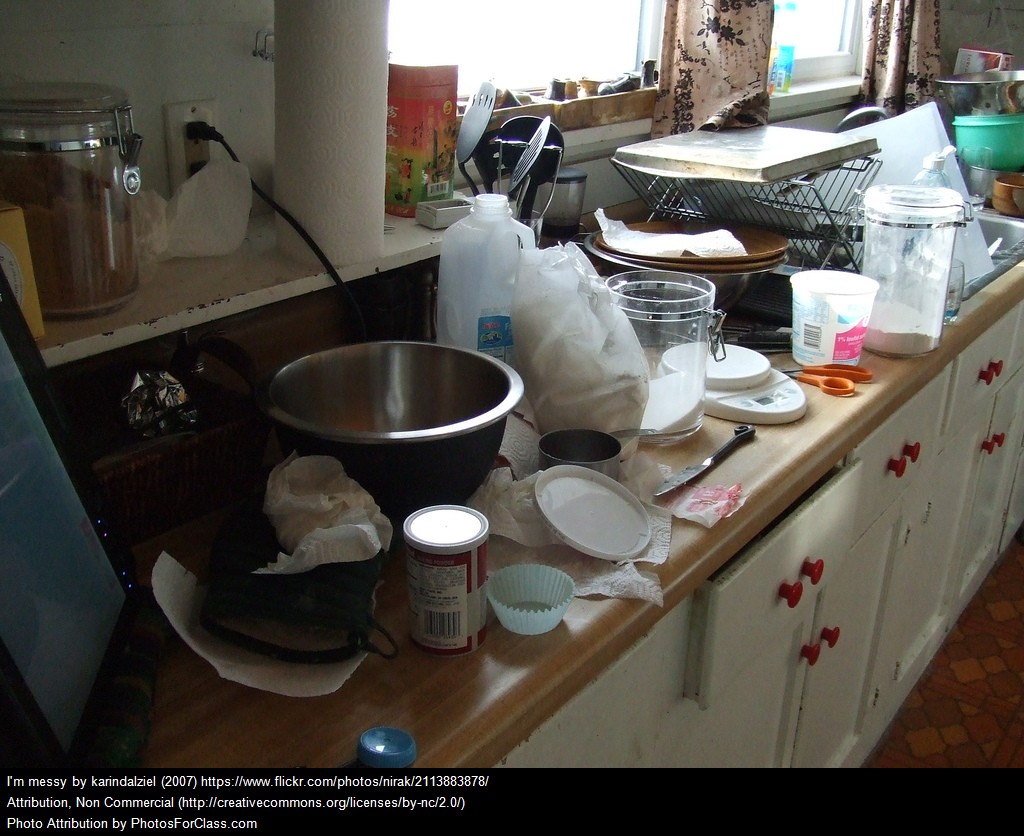
In the beginning, I was so organized- every doc went into a folder and my drive looked great. But time passes, the number of documents increases and things started to get a little messy. If you share this trait, please read Richard Byrne’s (at Free Technology for Teachers) blog post here for a quick search tip!
Saturday, December 16, 2017
It’s even easier to get things in your drive

With the Chrome extension Save to Drive, you can put things in your Google drive with just one click. For all the details, please see Alice Keeler’s blog post here.
Monday, September 18, 2017
Google and Folders

Tuesday, June 6, 2017
Online doesn’t mean better

Saturday, June 3, 2017
Adding videos to classroom
Alice Keeler recently posted on how to easily share video to both Google Drive and Classroom. I made a sample (using Screencastify)- and it couldn’t be easier to save!
(This sample is in my SBOE account and is not visible to folks outside of the district.)
Sunday, May 21, 2017
Need Google Drive Help?

Subscribe to:
Posts (Atom)